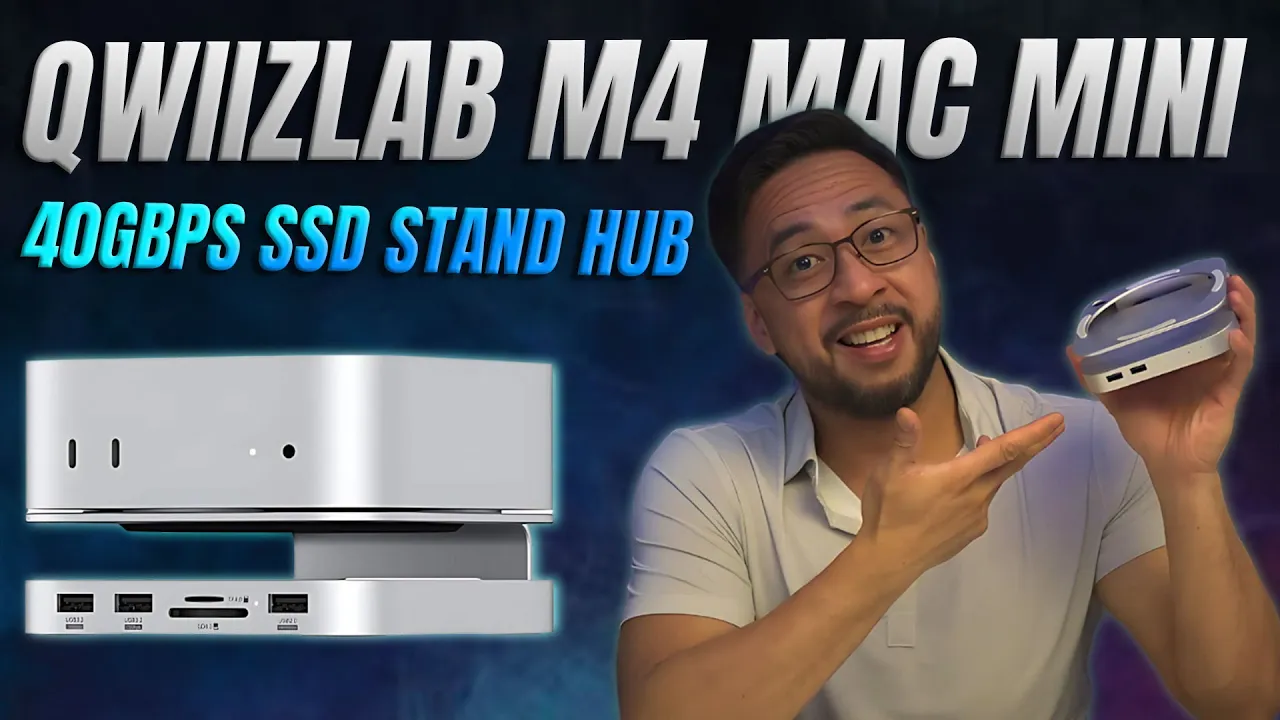
In the ever-evolving world of technology, accessories can make a significant difference in user experience. One such accessory that has caught the attention of many Mac Mini users is the Quizlab M4 Mac Mini SSD Stand Hub. This device not only serves as a stand but also features a USB 4 SSD enclosure, providing an excellent upgrade for your M4 Mac Mini setup. In this review, we will delve into its features, performance, and overall value, ensuring you have all the information you need to decide if this accessory is right for you.
Unboxing the Quizlab M4 Mac Mini SSD Stand Hub
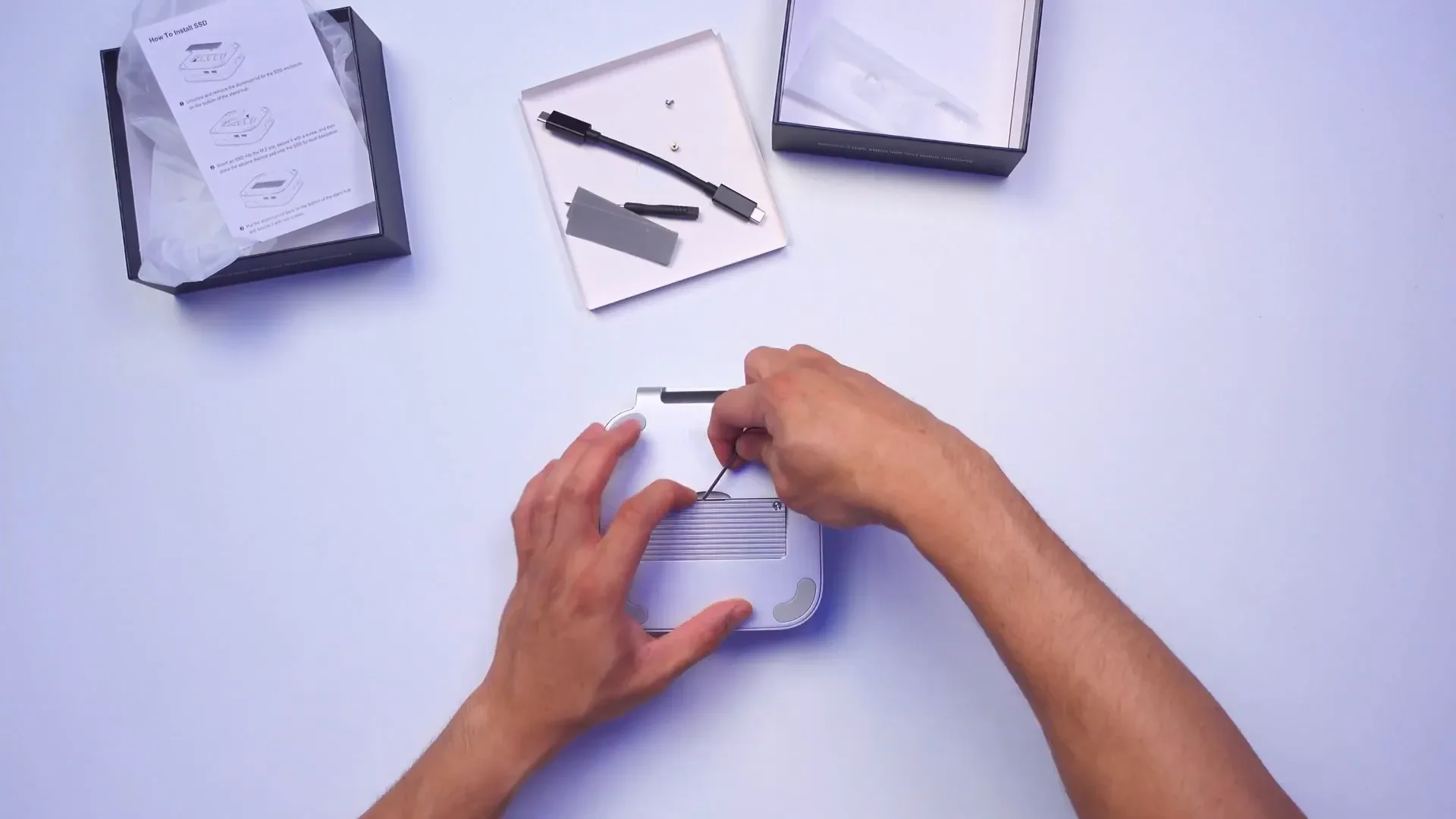
Upon receiving the Quizlab M4 Mac Mini SSD Stand Hub, the first thing that struck me was its sleek design. The hub is made from aluminum, which not only gives it a modern aesthetic but also promises durability. Inside the box, you will find:
- The aluminum stand hub itself
- A USB-C cable for connection
- Two types of screwdrivers for installation
- Thermal paste for the NVMe SSD
- NVMe mounting screws
- A detailed instruction manual

These accessories make it easy for users to install their own NVMe SSDs, which is a fantastic feature for those looking to expand their storage without incurring high costs from Apple’s upgrades.
Key Features Overview
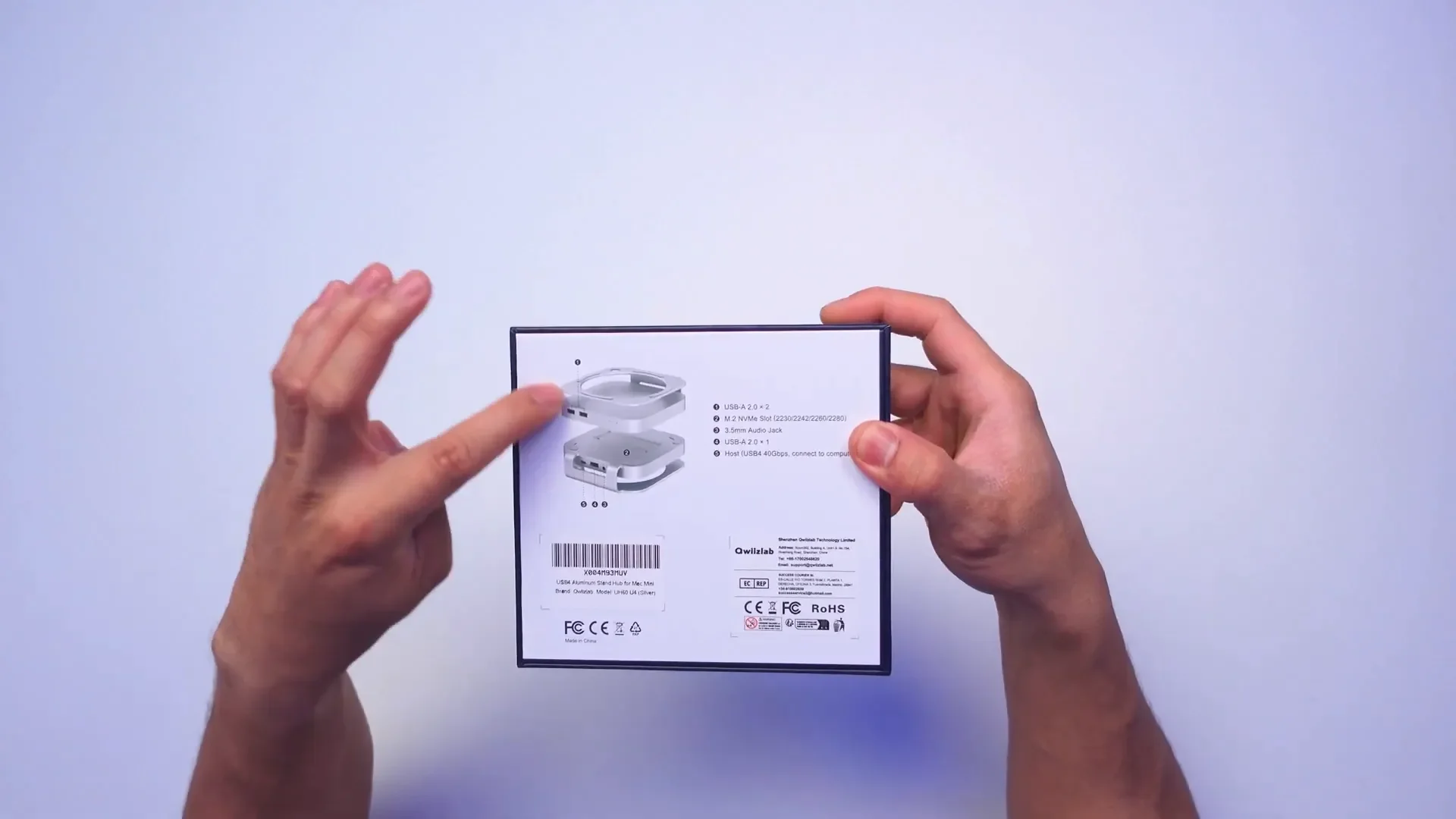
The M4 Mac Mini SSD Stand Hub comes packed with features designed to enhance your Mac Mini experience:
- USB 4 SSD Enclosure: The hub supports a USB 4 SSD enclosure, enabling data transfer speeds of up to 40 Gbps.
- Multiple USB Ports: There are two USB-A 2.0 ports on the front and one on the back, providing ample connectivity options.
- NVMe Slot: The hub has an M.2 NVMe slot compatible with various NVMe SSD sizes (2230, 2242, 2260, and 2280).
- Audio Jack: A 3.5mm audio jack is available for those who prefer traditional audio connections.
- LED Indicators: Two LED lights indicate the data transfer speeds for both USB 4 and USB 2.0 connections.
Design and Build Quality
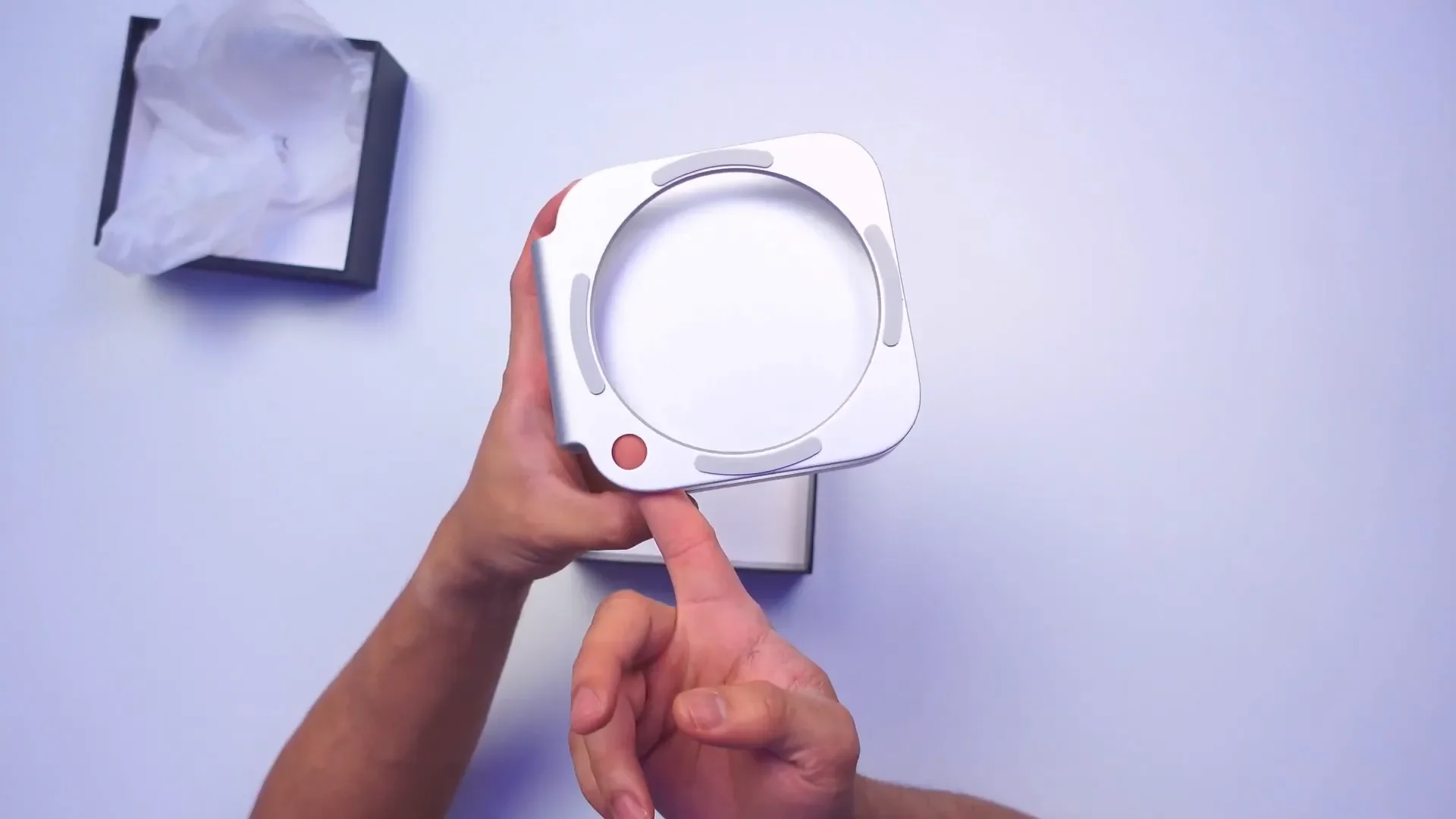
The design of the Quizlab M4 Mac Mini SSD Stand Hub is both practical and stylish. The hub is compact, allowing it to fit seamlessly with your Mac Mini setup. Its rubber stoppers ensure that the Mac Mini remains securely in place, preventing any unwanted movement.
One particularly thoughtful feature is the hole designed to access the power button on the Mac Mini. This design mitigates the annoyance of having to reach behind the device to turn it on or off, making it much more user-friendly.
Installation and Setup
Installing the NVMe SSD into the hub is straightforward. After removing the two screws at the bottom, you can easily access the NVMe slot. The included tools make the process seamless, even for those who may not be tech-savvy.
For this review, I used the Crucial T500 NVMe Gen 4 SSD, which is currently one of the fastest NVMe drives available. This SSD is capable of reaching speeds up to 7,400 Mbps, making it an excellent choice for high-performance tasks.
Performance Testing
Once the installation was complete, I connected the hub to the Mac Mini and began testing its performance. The initial setup was quick, and the device was recognized immediately. I conducted a series of speed tests to evaluate the performance of the SSD through the hub.
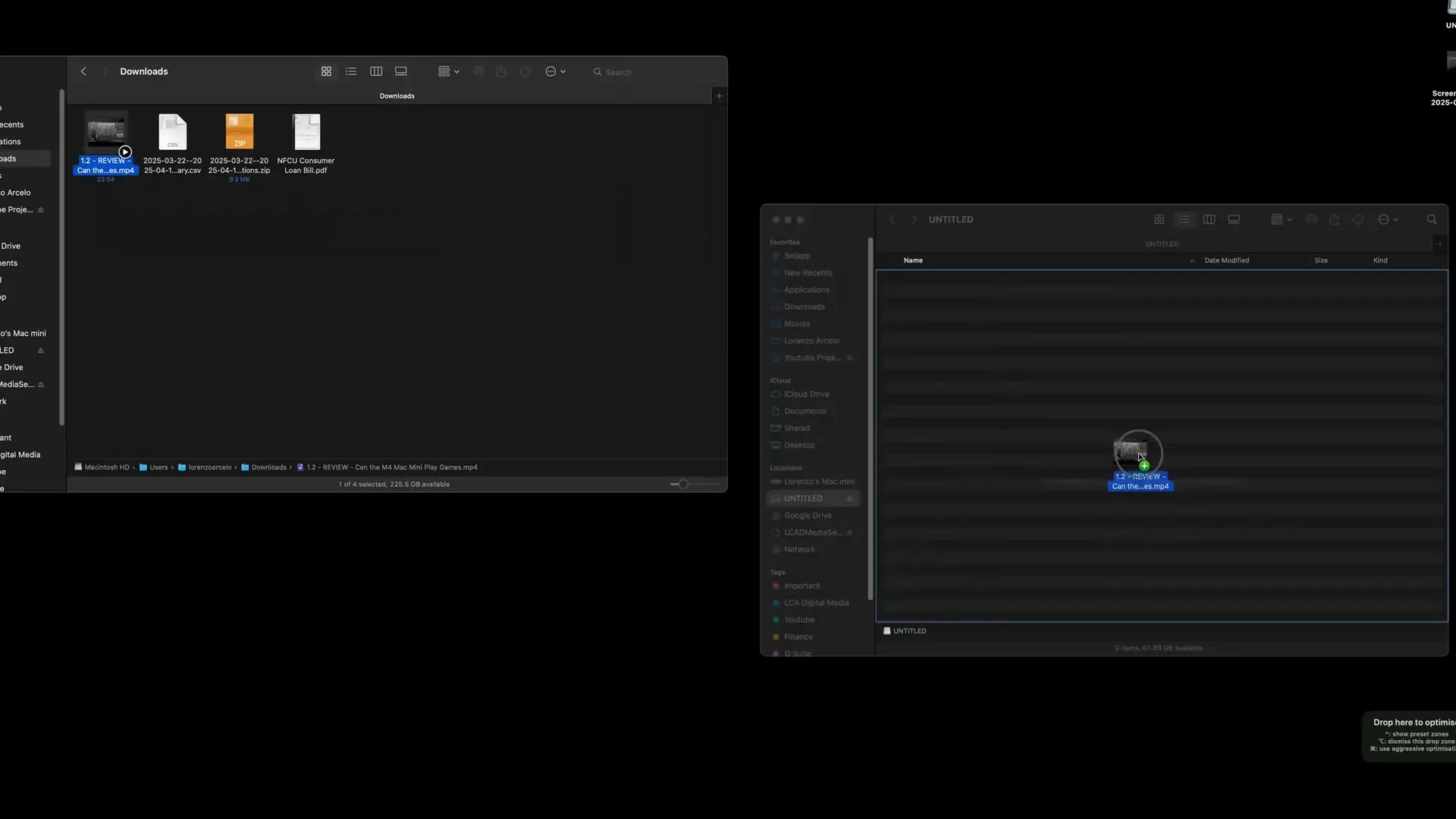
First, I copied a 1 GB file to a flash drive connected to the hub. The transfer speed was impressive, taking less than a minute to complete. This speed was facilitated by the 40 Gbps USB-C connection, showcasing the hub’s capabilities.
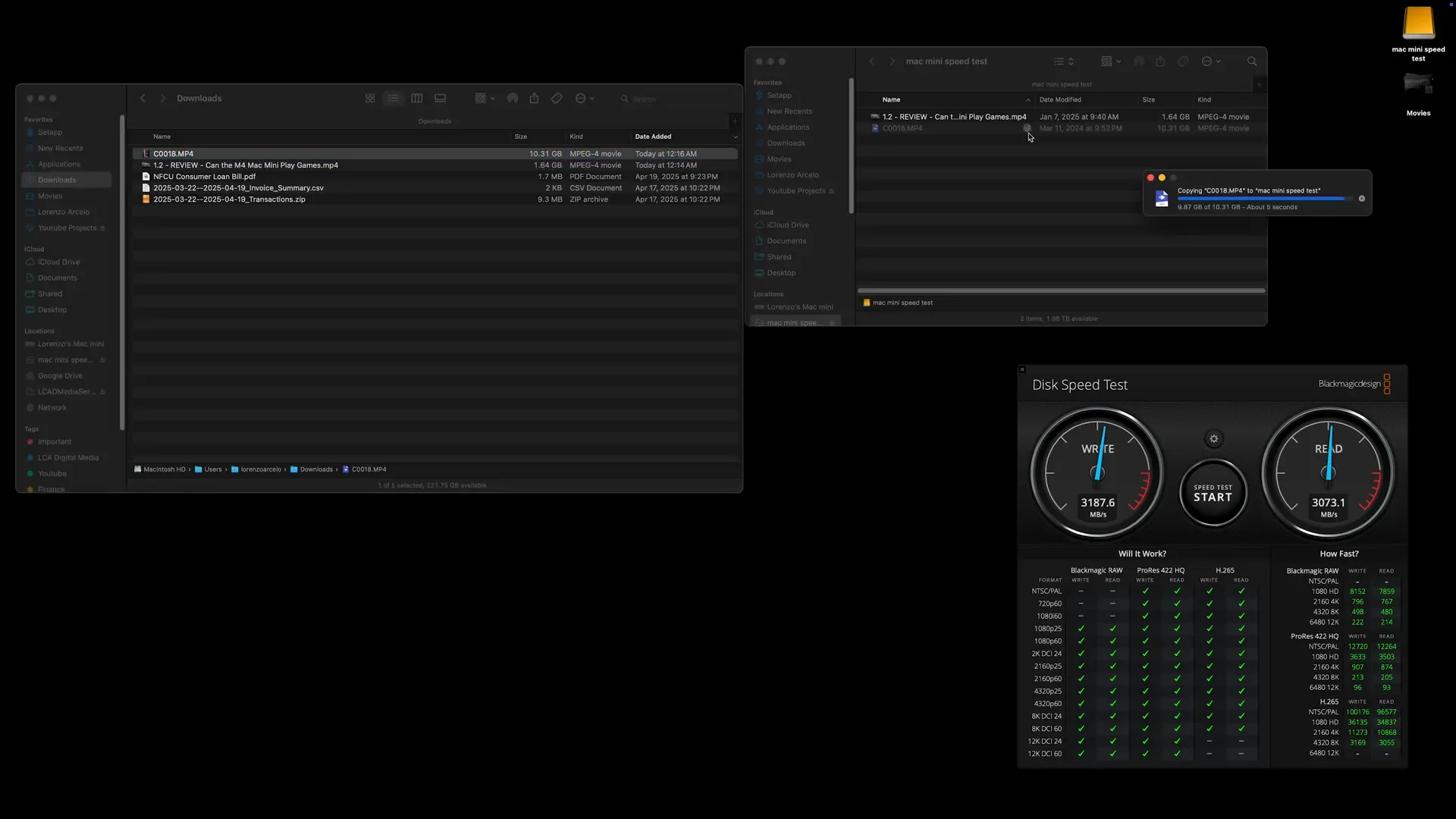
Next, I performed a Blackmagic Disk Speed Test on the Crucial T500 SSD. The results were remarkable, with read and write speeds averaging around 3,100 Mbps. While this is below the SSD’s theoretical maximum, it’s important to note that the USB 4 connection has its limitations; real-world speeds often differ from theoretical capabilities.
Finally, I decided to test a larger file transfer by copying a 10 GB file to the NVMe SSD. The results were astonishing, with the file transferring in under 10 seconds. This level of performance is perfect for creatives or professionals who require fast data access and transfer speeds.
Pros and Cons
Like any product, the Quizlab M4 Mac Mini SSD Stand Hub has its strengths and weaknesses:
Pros:
- Compact and stylish design
- High-speed data transfer with USB 4
- Easy installation of NVMe SSDs
- Multiple USB ports for connectivity
- Accessible power button design
Cons:
- Using the hub occupies one Thunderbolt port on the Mac Mini
- Real-world transfer speeds may not reach theoretical maximums
- Limited to USB 4 capabilities when using the NVMe SSD
Who Is This Hub For?
The Quizlab M4 Mac Mini SSD Stand Hub is ideal for a variety of users:
- Professionals who need fast data access for video editing or graphic design
- Casual users looking to expand their Mac Mini’s storage without paying a premium
- Anyone who values a clean and organized workspace while maintaining functionality
Conclusion
In summary, the Quizlab M4 Mac Mini SSD Stand Hub is a fantastic accessory for anyone looking to enhance their Mac Mini setup. With its combination of style, functionality, and performance, it stands out as one of the best options on the market for expanding storage capabilities. For those considering an upgrade, this hub offers an efficient and affordable way to increase your Mac Mini’s performance without falling victim to the Apple tax.
If you’re interested in purchasing the Quizlab M4 Mac Mini SSD Stand Hub, you can find it through this affiliate link. Your support helps us continue providing valuable content like this!
What do you think about the Quizlab M4 Mac Mini SSD Stand Hub? Have you tried it, or are you considering an upgrade for your Mac Mini? Let us know in the comments below!
Made with VideoToBlog using M4 Mac Mini UPGRADE! | Qwiizlab Stand Hub with 40Gbps SSD – Full Unboxing & Speed Test